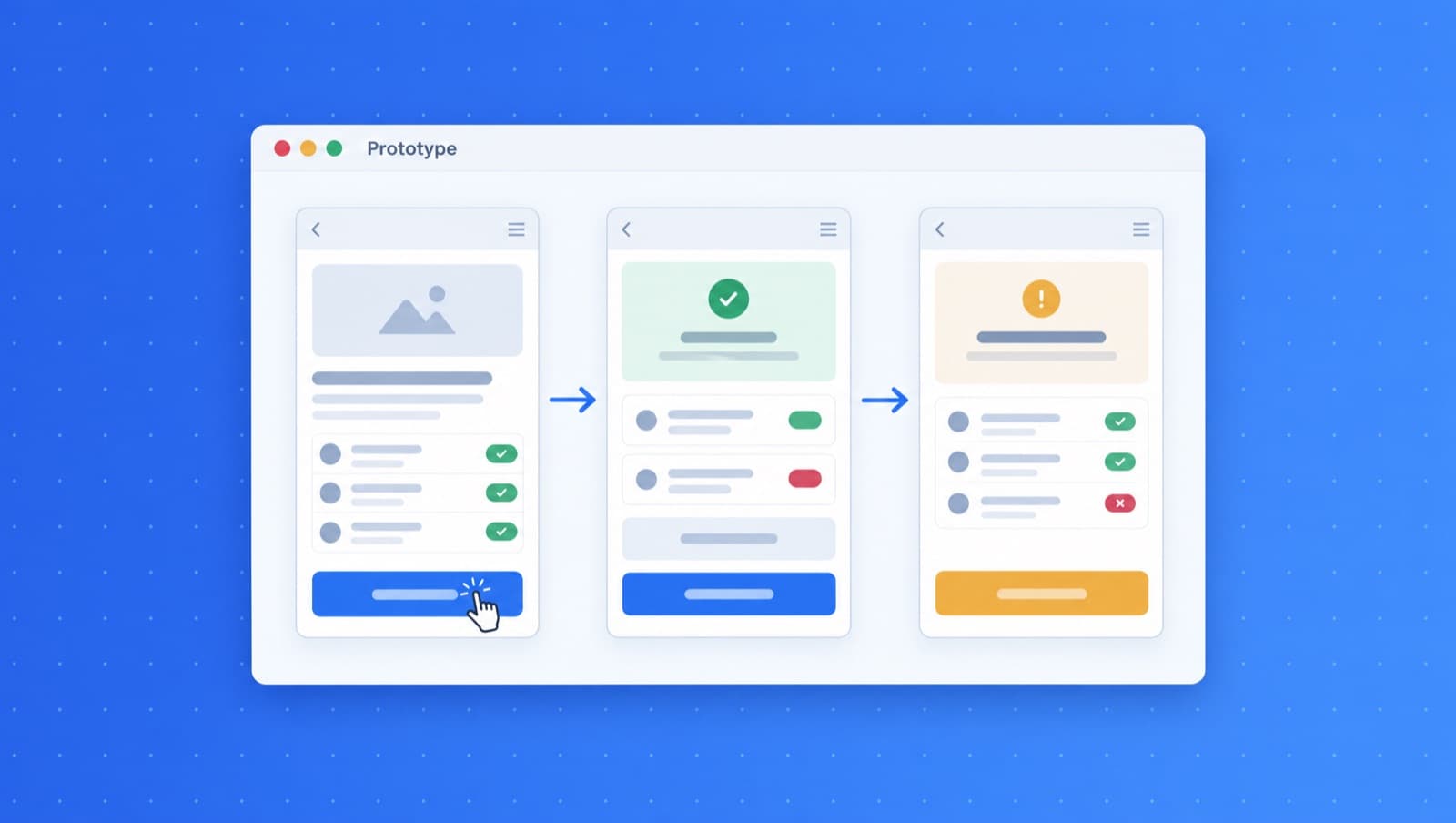
Why Prototype?
The most expensive mistakes happen when you build the wrong thing. Traditional development cycles force you to commit resources before you really understand what users need. By the time you discover a fundamental flaw, you've already invested weeks or months of work.
Prototyping flips this equation. Instead of guessing what will work, you build something small, test it fast, and learn before committing. The best product teams prototype relentlessly, not because they lack confidence, but because they know that real user feedback beats any amount of planning.
GenMB makes prototyping so fast that it becomes your default mode of thinking. Wonder if a feature would work? Build it in ten minutes and find out. Debating between two approaches? Create both and test them. When iteration is nearly free, you can afford to be bold.
Faster Than Any Design Tool
Skip the learning curve of traditional prototyping tools. Just describe what you want.
Ideas to Prototypes in Minutes
Describe your concept and get a working prototype instantly. No wireframes or mockups needed first. Skip the traditional design phase entirely and jump straight into something you can click, test, and share. Your mental model becomes a tangible product in the time it takes to explain it.
Iterate with Conversation
Refine your prototype by chatting with AI. Say "make the button bigger" or "add a dark mode toggle." No need to learn design tools or dig through settings panels. Just describe what you want changed in plain language and watch the prototype update in real-time. The barrier between idea and implementation disappears.
Live Preview
See changes in real-time as you iterate. Share preview links with stakeholders for instant feedback. No more "imagine this button here" conversations. Show them exactly what you mean. Get concrete reactions instead of theoretical opinions. Everyone can experience the product, not just picture it.
From Prototype to Production
Export clean code when you're ready. Your prototype becomes the foundation for the final product. No need to rebuild from scratch, the code GenMB generates uses standard frameworks with no proprietary lock-in. Your validated prototype can evolve directly into your shipped product.
Prototyping Scenarios
See how teams use GenMB to validate ideas and accelerate product decisions.
UI Exploration
Rapidly experiment with different layouts, color schemes, and interaction patterns. Instead of debating in meetings, create five variations in an hour and let users tell you which one works. Test unconventional ideas without the commitment of full development.
Example prompt:
"Create a dashboard for tracking fitness goals with a card-based layout. Include a weekly progress chart, daily streak counter, and quick-add buttons for common activities. Use a motivating color scheme with greens and blues."
User Testing
Build functional prototypes that users can actually interact with, not static mockups with hotspots. Watch where they click, what confuses them, and what delights them. Get real behavioral data instead of hypothetical feedback about wireframes.
Example prompt:
"Build a checkout flow for a subscription box service. Include product selection, shipping address form, payment details, and order confirmation. Add a progress indicator and make it mobile-friendly."
Stakeholder Demos
Transform your pitch from "imagine if we built this" to "let me show you how this works." Working prototypes are infinitely more persuasive than slide decks. Get buy-in by letting decision-makers experience the product vision themselves.
Example prompt:
"Create a client portal for a consulting firm showing project timelines, deliverables, invoices, and a messaging interface. Include a professional dark theme with the company's brand colors."
Prototyping Workflows
From quick experiments to comprehensive product validation.
- Validate product ideas before committing development resources
- Create interactive mockups for realistic user testing sessions
- Build proof-of-concepts that secure stakeholder buy-in
- Explore multiple design alternatives in parallel without extra cost
- Test user flows and catch UX issues before they become expensive fixes
- Generate functional specs that developers can actually use
- Demonstrate features to clients before building them
- Quickly A/B test different approaches with real users
- Create demo versions for investor pitches and funding rounds
- Prototype integrations before committing to technical architecture
Prototyping Questions
How is this different from tools like Figma or Sketch?▼
Can I prototype complex interactions and animations?▼
What happens to my prototype after testing?▼
How many iterations can I make on a single prototype?▼
Ready to prototype faster?
Build your first prototype in under 5 minutes.