The Internal Tools Problem
Every growing business hits the same wall. Your team needs custom tools: admin panels to manage users, dashboards to track metrics, forms to standardize data entry, but engineering is buried in product work. The backlog stretches months, so you improvise.
Spreadsheets multiply. Data lives in five different places. Someone builds a formula that only they understand. New hires spend weeks learning workarounds. Your operations team wastes hours on tasks that should take minutes. This is spreadsheet hell, and it's costing you more than you realize.
Off-the-shelf SaaS tools promise a solution, but they come with their own problems: monthly per-seat costs that balloon as you scale, rigid workflows that don't match how your team actually works, and your sensitive business data stored on someone else's servers. You end up paying to work around limitations instead of solving problems.
There's a better way. Build exactly what you need, in minutes, with full code ownership.
Why Build Internal Tools with GenMB
Empower your operations team to build exactly what they need.
Build in Hours, Not Weeks
Stop waiting on engineering backlog while your team struggles with manual processes. GenMB lets operations, finance, and support teams create the admin panels, dashboards, and data tools they need immediately. No tickets, no sprints, no waiting, just describe what you need and start using it today.
Custom to Your Workflow
Every team works differently, and off-the-shelf software forces you into rigid workflows that don't match your reality. Build tools that mirror exactly how your business operates, with your fields, your validation rules, your approval processes. When workflows change, iterate on your tools just as quickly.
Connect Your Data
Build interfaces that work seamlessly with your existing APIs, databases, and data sources. GenMB generates complete, editable code that you can extend to integrate with any system. No vendor lock-in and no API limitations, and on Pro and above the code view and editor plus ZIP export let you customize integrations exactly how you need them.
Keep It Internal
Deploy privately for your team with control over who can open the tool. Tools go live on a GenMB subdomain or your own custom domain, and private, login-required deployments are available from Pro. Export the code as a ZIP from Pro as well, and host it wherever you like.
Common Use Cases
See how teams use GenMB to solve real operational challenges.
Admin Dashboard
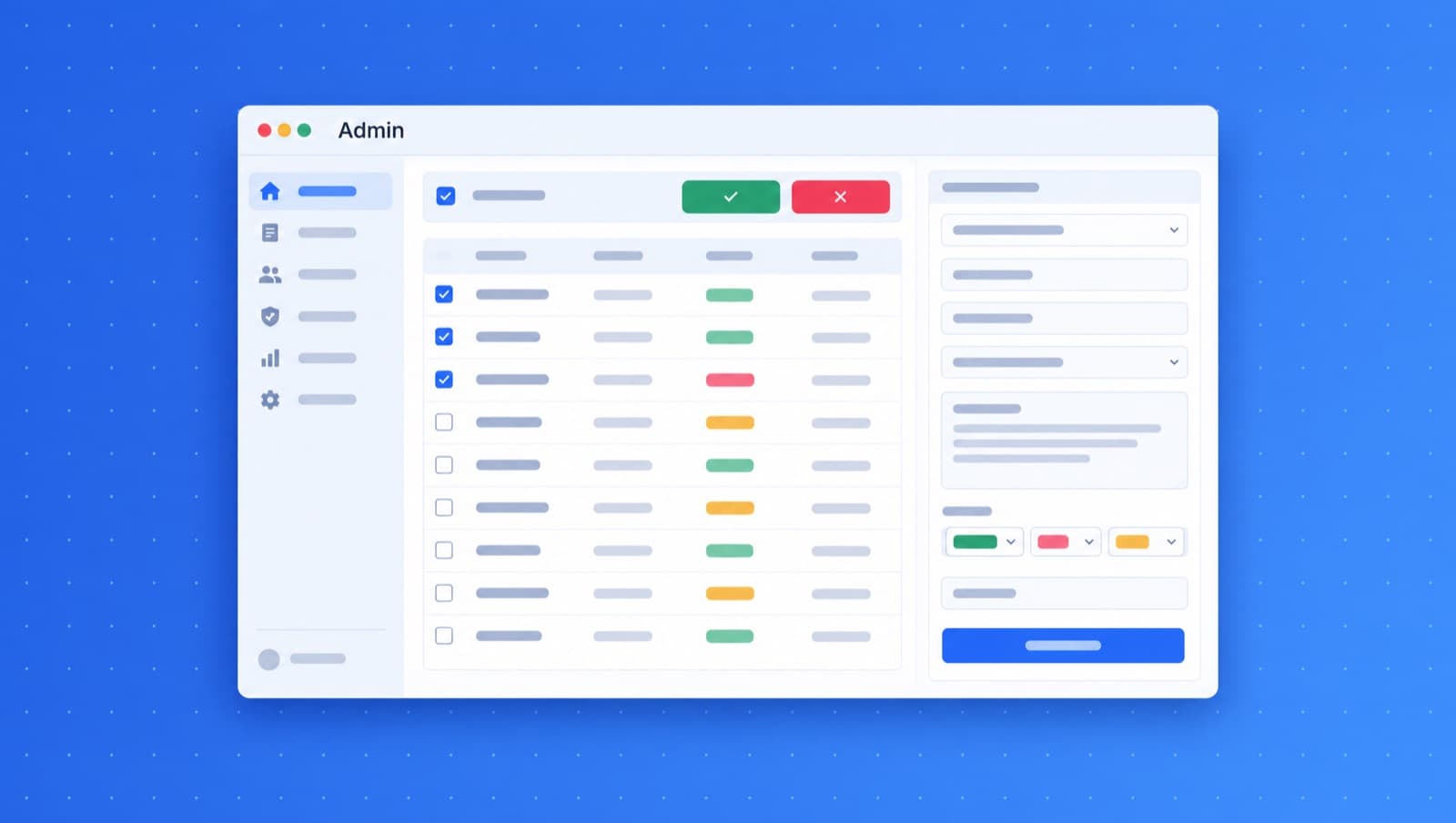
Build a centralized command center for your operations team. Track key metrics, manage user accounts, monitor system health, and handle approvals, all in one place. Perfect for operations managers who need visibility without digging through multiple systems.
Example Prompt
"Create an admin dashboard with user management, activity logs, key metrics cards showing daily signups, active users, and revenue. Include a sidebar navigation and dark mode toggle."
Data Entry Portal
Replace error-prone spreadsheets with structured data entry forms. Add validation rules, required fields, and dropdown options that ensure consistent data quality. Enable your team to input information correctly the first time, every time.
Example Prompt
"Build a data entry form for customer onboarding with fields for company name, contact info, industry dropdown, budget range, and notes. Include form validation and a success confirmation screen."
Reporting Tool
Create custom reporting interfaces that pull together data from multiple sources. Add date filters, category breakdowns, and export functionality. Give stakeholders the specific reports they need without waiting for engineering to build each one.
Example Prompt
"Generate a sales reporting tool with date range picker, filters for region and product category, a summary table with totals, and buttons to export as CSV or PDF."
Tools Teams Build
From simple forms to complex dashboards, build any internal tool your business needs.
- Admin dashboards with real-time metrics and KPI tracking
- Data entry forms with validation and approval workflows
- Reporting tools with custom filters and export options
- Customer support ticketing and case management
- Inventory tracking and order fulfillment interfaces
- Employee onboarding and HR management portals
- Workflow automation with status tracking and notifications
- Internal knowledge bases and documentation wikis
- Expense tracking and budget management tools
- CRM and client relationship dashboards
- Project management and task tracking systems
- Audit logs and compliance monitoring interfaces
Frequently Asked Questions
Can I connect my internal tools to our existing databases and APIs?
Yes. GenMB generates complete, editable source code that you can extend to connect with any API or data source. The generated code includes fetch patterns and data handling that you can customize for your specific integrations. Unlike no-code platforms with limited connectors, you have full control to integrate with REST APIs, GraphQL endpoints, or any backend service.
How do internal tools built with GenMB compare to platforms like Retool or Appsmith?
GenMB generates standalone web applications with full source code ownership. Unlike Retool or Appsmith which require ongoing subscriptions and host your data on their infrastructure, GenMB tools can be self-hosted anywhere. You get complete code control for customization, no per-seat licensing costs as your team grows, and no vendor lock-in.
Who in my organization can build internal tools with GenMB?
Anyone who can describe what they need in plain English. Operations managers, analysts, team leads, and non-technical staff regularly use GenMB to build their own tools. For complex integrations or custom logic, your developers can extend the generated code. This reduces engineering bottleneck while maintaining code quality standards.
How do I keep internal tools secure and private?
Tools deploy to a GenMB subdomain or your own custom domain, and from Pro you can make a deployment private so only people who log in can open it. The generated code can be extended with your own authentication, role-based access controls, and audit logging. If you would rather run the tool yourself, export the code and host it anywhere.
Ready to build your internal tool?
Describe what you need and get a working tool in minutes.