Welcome to GenMB Docs
Everything you need to build, deploy, and grow apps with AI, from your first prompt to production-ready features for business users.
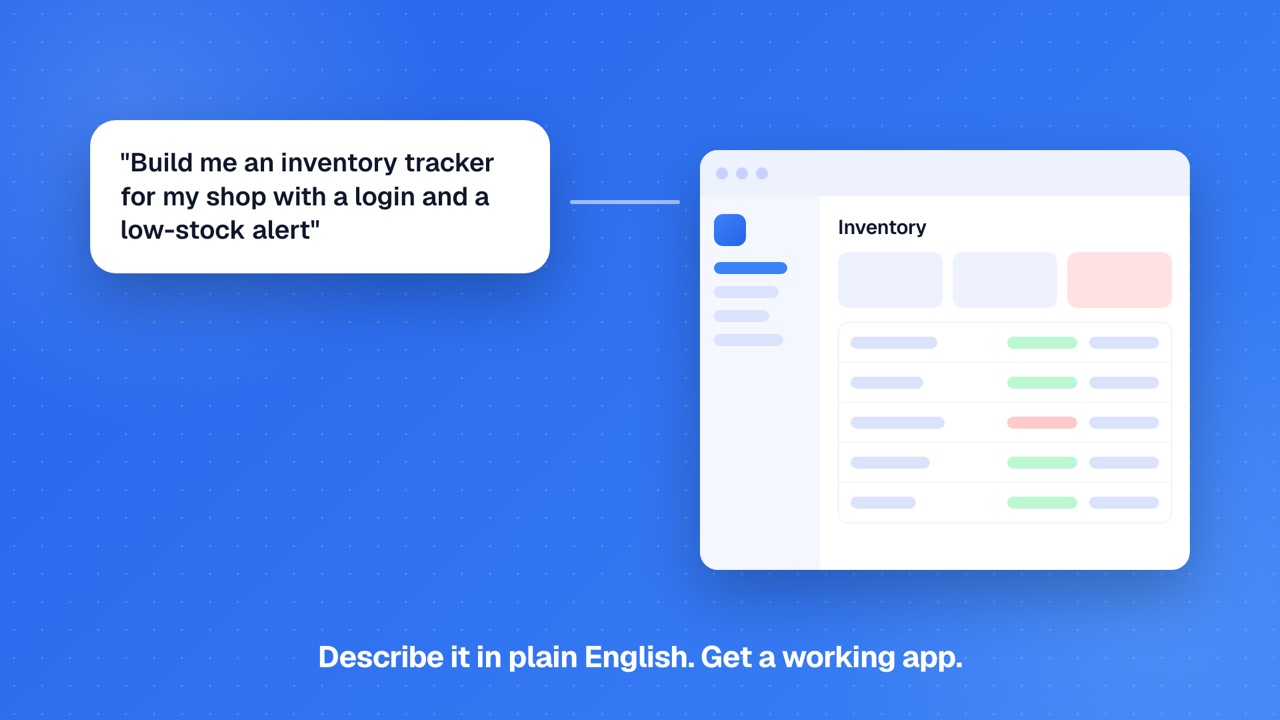
Quick Start
All Guides
Create Your First App
Sign in, describe your app, watch it generate, preview, and deploy.
Best Practices
Prompt techniques, framework selection, deployment tips, and common mistakes.
Credits
Plan allocations, per-action credit costs, top-up packs, team pools, and billing.
Referrals
Get 10 credits when a friend you invite builds an app, and $30 each when they upgrade.
Notification Preferences
Choose which alerts reach you and where: in-app, web push, or email.
Troubleshooting
Common issues, what to try when something looks off, and how to report a bug.
How It Works
From idea to deployed app: the 8-stage generation pipeline.
Technology
Architecture-aware AI, multi-file generation, OWASP scanning, and code healing during generation.
For Founders
Ship your MVP in hours. No-code to full-code for non-technical founders.
For Developers
Full code ownership, GitHub sync, and AI-accelerated development workflows.
Plugins & Integrations
80 plugins across 15 categories: payments, auth, AI, CMS, e-commerce, video, accounting, and more, injected into generated code.
Sections
Curated layout sections (hero, pricing, footer) you can browse and drop into your app from Design View.
Plugin Development
How plugins are structured and injected. Reference for power users; the catalog itself is platform-managed.
Figma Import
Convert Figma designs to code with design-token extraction.
Image to Code
Upload screenshots or mockups and generate code from images.
Host an Existing HTML Site
Drop an HTML file, folder, or ZIP and get a live link, then refine it with AI.
Visual Editor
Click elements in the live preview to edit text, styles, and layout.
Plans and Questions
Ask the chat for a plan or an explanation and it answers without changing your app.
Security & Code Quality
OWASP Top 10 security scanning with auto-remediation on every generation.
Design View
Visual theme editor to change colors, fonts, and apply presets with live preview.
App Health
GenMB tests your app after every change and shows any error, with a one-click fix through the chat.
Media Platform
Drop in images, video, or PDFs and get upload widgets, transcoding, blurhash placeholders, and AI alt-text automatically.
GenMB Code
AI coding assistant with tool-based file editing and MCP integration.
Version History
Every change creates a snapshot. Compare and rollback at any time.
GitHub Sync
Push and pull code to GitHub repositories.
Export & Download
Download your code as ZIP and run it anywhere. Available on Pro and above.
Canvas Time Travel
Scrub through your app history on the canvas and restore any past version with one click.
Services & SDKs
35+ built-in services and SDKs: file storage, auth, AI chatbot, AI image generation, vector DB, voice agent, billing, and more.
Database & Schema
Database Browser, Schema Designer, and PostgreSQL provisioning.
Vector DB & RAG
Semantic search and Retrieval-Augmented Generation backed by pgvector with auto-chunking and embedding.
Data Connectors
Connect Airtable, Google Sheets, Notion, and REST APIs as live data sources for your generated apps.
Scheduled Agents
AI-generated Python scripts that run on cron schedules with full Data Insights support.
Agent Workflows
Visual node-based agent workflows with triggers and AI processing. Build and test-run free, and keep one on autopilot; more need Pro.
Functions
Custom TypeScript or Python backend handlers. Multi-tenant Cloud Run hosting, no infrastructure to manage. Free includes 3 functions; Pro and Business raise the quota.
Webhooks
Receive and send webhooks using workflows and functions. Signing, idempotency, retries.
App Auth (End-Users)
Google Sign-In, email + password, and magic link auth for end-users of generated apps. Unified SDK.
Data Insights
Natural-language queries against your app data with auto-generated charts and tables.
CSV Import
Validate and bulk-insert CSV rows into your app PostgreSQL tables. Optional upsert by unique key.
Business Kits
Prebuilt CRM, invoicing, inventory, support inbox, and messaging tools you add to any app just by asking in chat.
App Billing
Let your generated apps charge end-users via Stripe: one-time payments, subscriptions, customer portal, and metered usage.
AI Recommendations
Personalized product suggestions for your store, powered by your visitors behavior.
Ecommerce SDKs
Five composable SDKs for stores: products, commerce, email, shipping, address.
Audit Log
Per-app structured event log SDK. Record sensitive actions; query owner-only for compliance.
Database (Advanced)
Migrations, column-naming contract, alias map, and row-level security status. Sibling to /docs/database.
Scheduled Jobs
Cron-driven primitives: workflow schedule triggers (zero-code) and scheduled agents (AI-written Python).
Environment Variables
Per-app secrets and config auto-injected into deployments, dev sandboxes, and code generation.
Deployment
One-click subdomain deploy, backend tiers, and deployment lifecycle.
Dev Sandbox
Temporary Cloud Run sandbox for previewing backend and fullstack apps before deploy.
Runtime & Validator
How generated backend code is isolated, and how the Playwright validator probes deployed apps.
Custom Domains
Bring your own domain with automatic SSL provisioning.
SEO & Discoverability
How published apps get found on Google and in AI answers, and how to check.
Embed
Embed apps in iframes with token-based access control.
Build with URL
Links and buttons that open GenMB with a prompt, images and reference pages filled in.
AI Agent
Describe a task in plain language; the agent plans it, does the work, and hands you finished deliverables to share, publish, or schedule.
AI Agents
Deploy AI chatbots to Telegram, Slack, and Email.
Agent Mode
How GenMB builds bigger apps step by step on its own, with error recovery.
MCP Integration
Connect external AI tools via Model Context Protocol.
API Keys
Create personal API keys to call GenMB from scripts, CI, or MCP-compatible AI tools.
MCP Servers (Per-App)
Attach external MCP servers to a specific app so the AI building it can call your custom tools.
Intents
The detection layer that decides which capabilities your app needs. Sibling to /docs/capabilities.
AI Image Generation
Let your app create images from a text prompt. 1 credit per image, every plan.
Voice Agent
Realtime voice chat for your generated apps via Azure OpenAI Realtime.
Capabilities System
How GenMB auto-detects which built-in services your app needs and injects matching SDKs.
Copilot
The intent-driven command layer of the editor. Cmd+K to invoke; type what you want, get the right action.
PWA & Offline
Turn apps into installable Progressive Web Apps with offline support.
Chrome Extension
Capture any webpage and generate an app inspired by it.
App Analytics
Zero-config visitor tracking auto-injected into deployed apps.
This Week Panel
A per-app rollup of activity after deploy: visits, workflow runs, agent runs, and chatbot messages.
Template Marketplace
Publish and install community templates.
Skills
Author reusable AI playbooks (brand voice, code conventions). Free to create up to 3; publishing to the marketplace requires Pro.
Asset Library
Personal cross-app collection of starred files. Reuse images, video, PDFs across apps without re-uploading.
Team & Collaboration
Workspaces, team management, and per-app collaborators.
Workspaces
Member roles and cross-team app collaboration on any plan; the shared credit pool is funded by the Business plan.
SSO Domains
Enforce single sign-on across an email domain so every employee joins your team automatically.
Feature Availability
| Feature | Free | Pro | Business |
|---|---|---|---|
| App generation | ✓ | ✓ | ✓ |
| Subdomain deploy | ✓ | ✓ | ✓ |
| App analytics | ✓ | ✓ | ✓ |
| Plugins & integrations | - | ✓ | ✓ |
| Template marketplace | ✓ | ✓ | ✓ |
| Embed mode | ✓ | ✓ | ✓ |
| Visual Editor | ✓ | ✓ | ✓ |
| Version history | ✓ | ✓ | ✓ |
| Image to code | ✓ | ✓ | ✓ |
| PWA support | ✓ | ✓ | ✓ |
| Agent Mode (automatic for bigger apps) | ✓ | ✓ | ✓ |
| Export as ZIP (you own your code) | - | ✓ | ✓ |
| Code view and editor | - | ✓ | ✓ |
| Services & SDKs | ✓ | ✓ | ✓ |
| Database browser | ✓ | ✓ | ✓ |
| Chrome Extension | ✓ | ✓ | ✓ |
| Ask for plans and explanations in chat | ✓ | ✓ | ✓ |
| Security scanning | ✓ | ✓ | ✓ |
| GenMB Code | - | ✓ | ✓ |
| GitHub sync | - | ✓ | ✓ |
| Custom domains | - | ✓ | ✓ |
| More than one workflow on autopilot | - | ✓ | ✓ |
| MCP integration | ✓ | ✓ | ✓ |
| Schema designer | - | ✓ | ✓ |
| AI Agents | - | ✓ | ✓ |
| Backend Agents | - | ✓ | ✓ |
Common Questions
What is GenMB?▾
Do I need to know how to code?▾
What's the difference between Pro and Business?▾
Can I export my code?▾
Ready to build?
Create your first app for free, no credit card required.