How It Works
From a one-sentence description to a deployed, production-ready app: here's what happens at each stage of the GenMB pipeline.
Describe Your App
Type a natural-language description of what you want to build. Be as specific or as general as you like: mention features, colors, layout, integrations, and any sample data.
The 8-Stage Pipeline
Once you submit a prompt, your generation runs through eight stages in the orchestrator. Each stage has a single responsibility and can fail fast: failed validation never deducts credits.
Validate
Your prompt is checked for length, abuse patterns, and rate limits. Failed validation returns immediately with a clear reason, no credits consumed.
Analyze
Intent detection runs to determine project type (frontend, backend, full-stack) and required plugins from the 80 catalog.
Prepare
Generation context is assembled: design hints, plugin templates, capability snippets, schema fragments, and prior conversation history are all merged into the prompt.
Generate
The AI produces the actual code with reasoning enabled. Single-file apps emit a single HTML; multi-file apps emit a structured project with separate components, routes, models, and configuration.
Parse
The model output is parsed into discrete files. Markdown fences are stripped, file boundaries are detected, and each file is validated as syntactically well-formed before moving on.
Validate & Heal
Syntax, imports, and OWASP Top 10 security checks run together. Issues are batched and sent to the Code Healer, which uses tools (read_file, edit_file, write_file) to repair them. Up to 8 healing passes, scaled with the number of files (3 for a single file).
Enhance
Detected services and plugins inject their SDKs and snippets. Markers (<!-- GenMB Plugins START/END -->) ensure injection is idempotent across re-runs.
Finalize
Files are saved to Firestore (parent doc + codeFiles subcollection for multi-file apps), an atomic version is created in appVersions, and a database schema is provisioned in the background if your app needs PostgreSQL.
Deploy in One Click
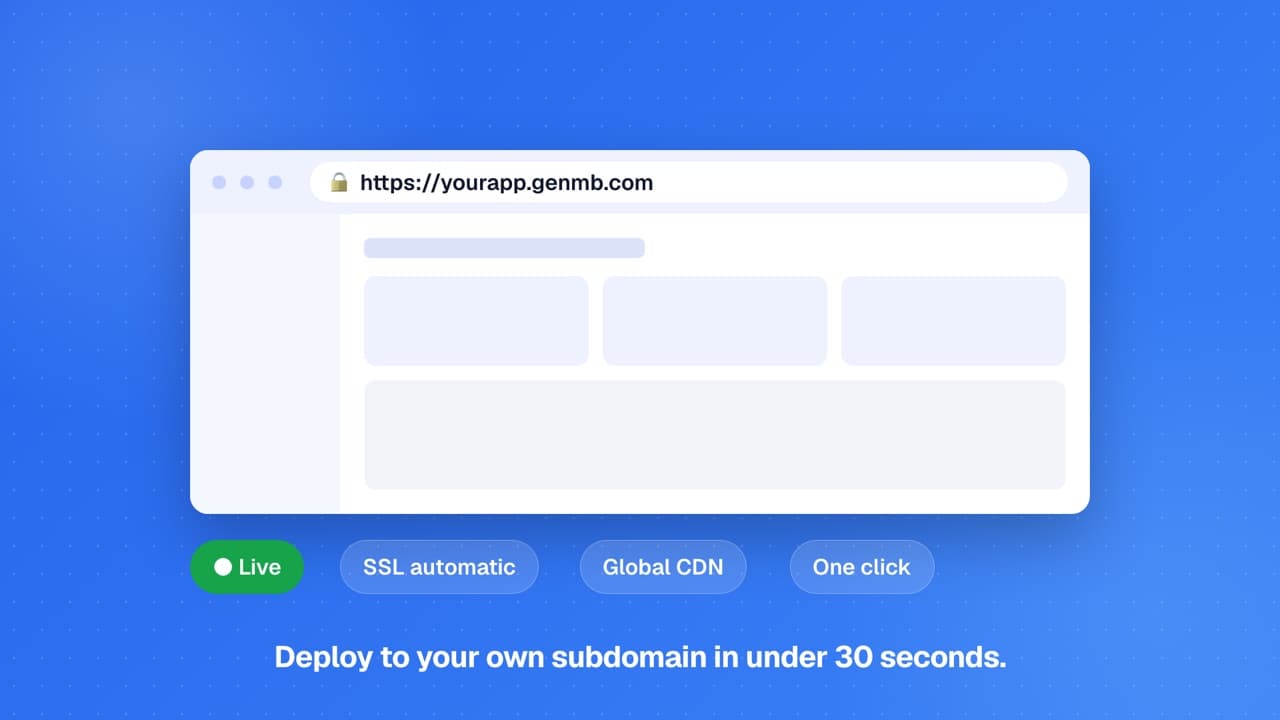
Once generation completes, click Deploy to publish your app to a live URL. Get automatic SSL, CDN delivery, and a shareable address.
Behind the scenes: Apps run on Google Cloud and scale with traffic on their own. Custom domains are available on Pro and every higher plan.
Refine with Chat
Use natural language chat to iterate on your app. Change styles, add features, fix bugs, or completely restructure, the AI understands your full codebase and applies edits to specific files.
Behind the scenes: Every refinement creates a new version snapshot in appVersions. Compare versions, roll back, or branch in any direction without losing prior work.
Your code, your rules
GenMB generates code you fully own. On Pro and above you can export it as a ZIP or push it to GitHub, then deploy anywhere. There is no vendor lock-in, the generated code runs independently of GenMB.FAQs
How long does it take to generate an app?▾
What frameworks and languages are supported?▾
Can I modify the generated code?▾
What happens if the AI makes a mistake?▾
Ready to build?
Create your first app for free, no credit card required.