Create Your First App
Follow these simple steps to go from idea to working app. No coding experience required. GenMB transforms your plain English descriptions into fully functional web applications.
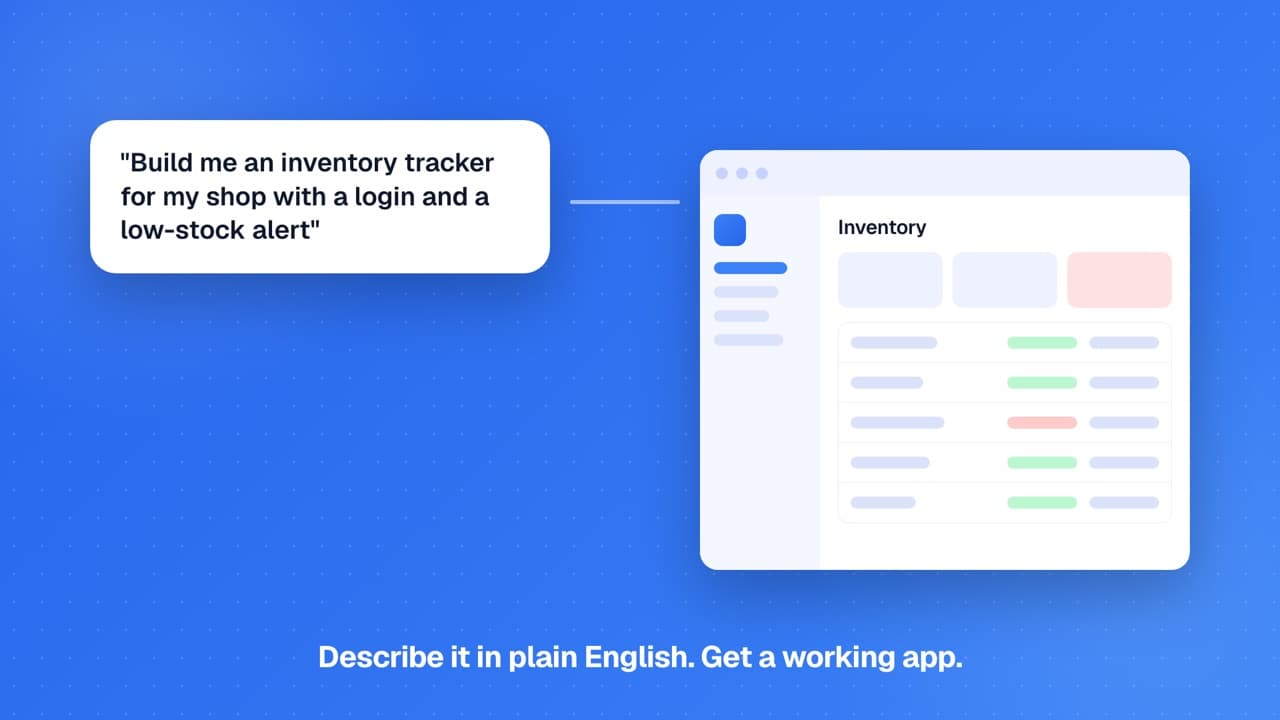
5 Steps to Your First App
Go from idea to a live, deployed web application in minutes. Each step builds on the previous one: most people have their first app running within five minutes.
Sign In
Describe Your App
Watch It Generate
Preview and Refine
Deploy
Agent Mode for Complex Apps
For a big multi-feature request, GenMB switches to Agent Mode by itself: it breaks your request into steps and builds them one by one, with automatic error recovery. There is no button to press, just describe your app.No setup to choose
GenMB picks the right setup for you. Want a phone app? Just say so in your prompt.Tips for Better Prompts
The quality of your prompt directly shapes the quality of your app. The more specific you are, the better your results will be. Here are techniques that consistently lead to better generated apps.
- Be specific about features: "Add a dark mode toggle in the header that persists user preference"
- Mention design preferences: "Use a modern, minimalist design with blue accents, rounded corners, and subtle shadows"
- Describe user interactions: "When the user clicks submit, validate the form, save the data, and show a success toast"
- Include content details: "Add 3 pricing tiers: Free (5 projects), Pro at $10/month (unlimited), Enterprise at $50/month (team features)"
- Say if it is a phone app: "Make this a phone app with a tab bar at the bottom"
- Define data structures: "Each task has a title, description, due date, priority level, and completion status"
- Describe empty states: "When there are no items, show a friendly message with an add button"
Example Prompts to Try
Get inspired by these detailed prompts. Copy and modify them for your own projects, they demonstrate the level of detail that produces great results.
Personal Finance Tracker
"Create a personal budget tracker where users can add income and expenses with categories (food, transport, entertainment, bills). Show a monthly summary with a pie chart of spending by category, a line chart of balance over time, and the ability to set monthly budget limits with progress bars."Task Management App
"Build a Kanban board with three columns: To Do, In Progress, and Done. Users can add tasks with title, description, and due date. Tasks should be draggable between columns. Include a search bar to filter tasks and color-coding for overdue items."Landing Page
"Create a SaaS landing page for a project management tool. Include a hero section with headline and CTA, features section with 6 cards and icons, pricing table with 3 tiers, testimonials carousel, FAQ accordion, and footer with newsletter signup. Use a professional blue/white color scheme."Weather Dashboard
"Build a weather dashboard that shows current conditions (temperature, humidity, wind) with a large icon, 5-day forecast cards, and a search bar to look up cities. Use a gradient background that changes based on weather conditions (sunny yellow, cloudy gray, rainy blue)."What to Expect
When you submit your first prompt, GenMB analyzes your description and generates code in real-time. Most apps are ready in a few minutes; complex multi-feature applications built in Agent Mode take longer as the AI works through multiple steps, and you can watch progress throughout.
Your app works on phones, tablets and computers from the start. The code behind it is clean and well organized, so it is easy to read, learn from, or extend later.
Your first app might not be perfect, and that is expected. Use chat to iterate: request changes, add features, adjust styling. Each conversation turn refines the app further. Version history lets you experiment without fear of breaking things. The goal is not perfection on the first try but rapid iteration toward what you want.
Iterate with Confidence
Every change you make through chat creates a new version. If a refinement goes in the wrong direction, you can instantly rollback to any previous version from the version history panel.After Your First App
Once you have created your first app, there is a lot more you can explore. Here is what to try next.
- Deploy and Share: Publish your app to a custom subdomain and share the URL with others. Get feedback from real users to guide your next iteration.
- Enable PWA: Turn your app into a Progressive Web App for offline access and mobile installation. Users can add it to their home screen.
- Go Bigger: For your next complex project, describe everything you want in one go. GenMB plans it and builds it step by step on its own, with error recovery.
- Export and Extend: On Pro and above, download your code as a ZIP file and continue development locally. Add backend integrations, connect APIs, or deploy elsewhere.
- Import from Figma: Have a Figma design? Import it directly and GenMB generates code matching your mockup with extracted design tokens.
- Set Up Agents: Build AI agents, visual workflows, and scheduled jobs. Connect HTTP, email, AI, and conditional nodes without writing code.
- Track Your Users: Enable built-in analytics to monitor visitors, referral sources, and top pages for your deployed apps.
FAQs
Do I need coding experience to use GenMB?▾
What happens if the generated app is not quite right?▾
How complex of an app can I build?▾
Can I use the code outside of GenMB?▾
Ready to build?
Create your first app for free, no credit card required.